Access Anywhere
Access your files from any device.
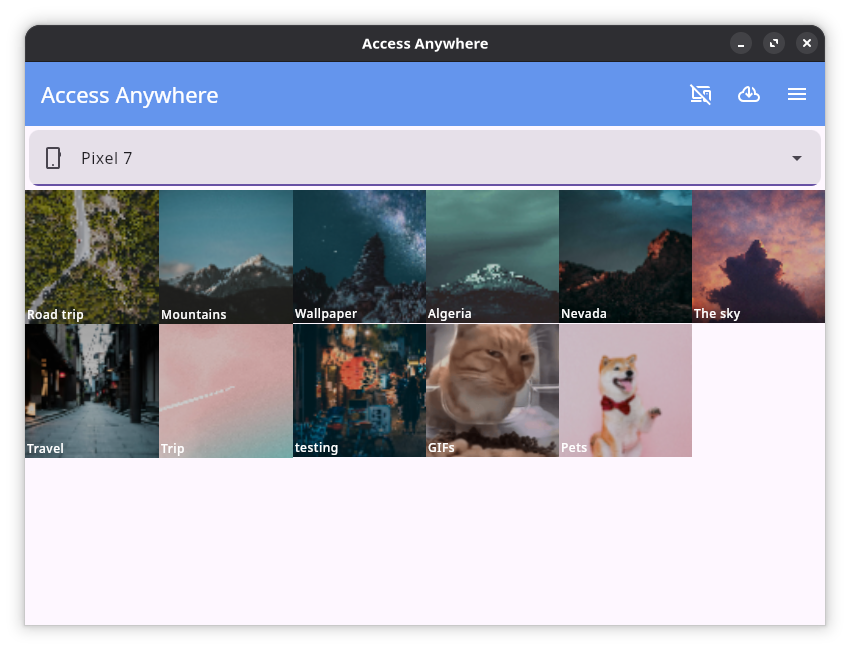
Desktop App
Download the desktop app to view the media of your phone on your desktop device (laptop, computer, etc.)
After running the installer, open your menu ( key) and search for 'Access Anywhere'.
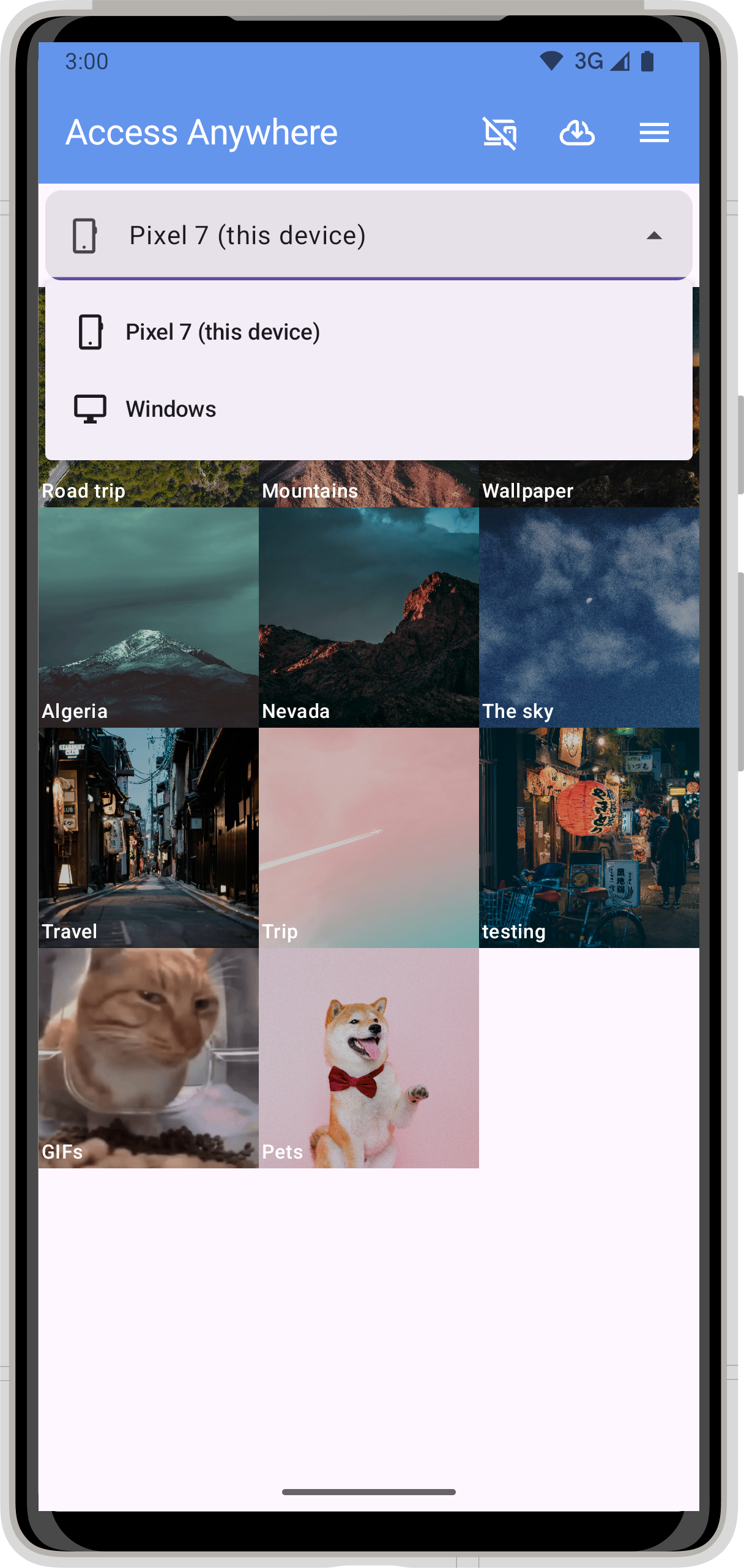
Setup Tutorial
-
Download the 'Access Anywhere' application on both devices
(for example: Android phone and Windows computer) - Open the Settings screen on both apps ( icon in top right corner)
- On one device, enter the 6-digit code displayed on the other
- Both devices are now linked